- The logo of each invoicing entity is managed in Settings > Branding (see Branding).
- The accounting currency is the currency used to record your transactions. It is determined by your billing country and cannot be changed once set. To bill in a different currency, you must create a new invoicing entity based in the corresponding country.
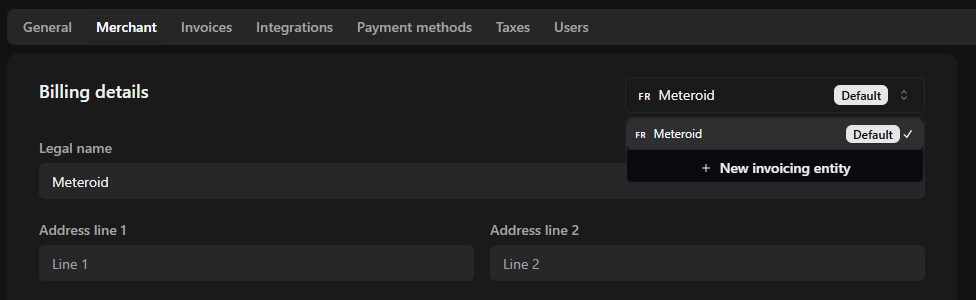
- You can manage multiple invoicing entities in Meteroid—ideal if you operate in different countries or with separate legal structures. Each entity can have its own info (tax ID, currency, and payment methods etc) enabling region-specific invoicing and compliance. To create a new invoicing entity, the button next to billing details and then click “New invoicing entity”.